
How to Search Cases by Name
Minnesota Court Records Online (MCRO) Case Search offers four search bases. These are Name, Case Number, Citation Number, and Attorney. Pick Person for an individual. Type the last and first name, and add a middle name if you know it. Exact spellings keep the starting pool tight. When a spelling might vary, MCRO gives you punctuation variations. You can also use a wildcard after at least two characters, or a Sounds Like option. The wildcard and Sounds Like tools cannot work together, so choose one.
- Acknowledge the MCRO terms and choose Name, then Person or Business.
- Enter the available name fields and use a middle name or punctuation variation when it helps distinguish a Cass County case.
- Select Cass in Court Locations, then add a case category, filed-date range, or date of birth only when the source fields support it.
- Click Find, confirm the county and case details, then open View Case Details for the Register of Actions.
| Field label | Type | Required | Format or use |
|---|---|---|---|
| Person or Business | Selection | Yes for name basis | Choose the matching name type. |
| Last, First, Middle | Text | Last and first for a person search | Middle name is optional. |
| Sounds Like | Checkbox | No | Do not combine with wildcard. |
| Date of Birth | Date or range | No | Exact date or date range; format is MM/DD/YYYY. |
| Case Category | Checkboxes | No | Civil, Criminal, Family, Probate or Mental Health. |
| Court Locations | County selector | No | Use Cass for a county-focused result. |
Cass County MCRO Search Controls
MCRO is a statewide service. Cass County works as a location filter rather than its own portal. Additional Search adds date-of-birth and filed-date choices, exact or range. The county selector includes a search field. It also offers alphabetic groups, navigation controls, and clear and execute buttons. Results can be limited to 200 and sorted newest first or oldest first. A name hit still needs confirmation. Check the venue, filing date, case category, case number, and party role. No account is required for the public search. Public documents carry no online document-access charge. The display stays unofficial and limited by Rule 8. The official MCRO Case Search screen shows the live form. Its search bases serve any Cass County docket search.
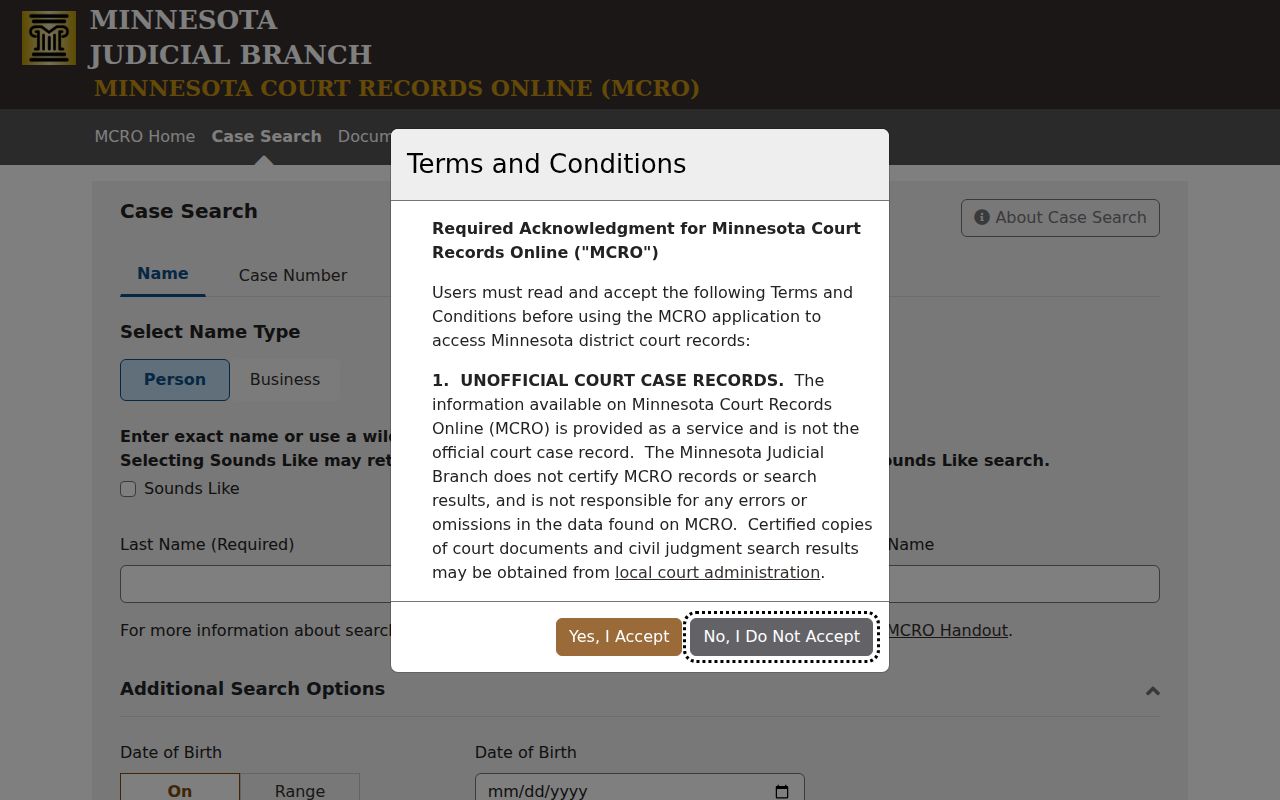
The form handles public case lookup. For a fuller electronic district-court view, use the terminal at the Cass courthouse.
Cass County Name Search Controls
A narrow start beats a broad one in Cass County. Enter the exact last and first name first. If nothing promising comes back, retry with or without a middle name or initial. Then try a punctuation variation. When a surname's spelling is uncertain, a wildcard can follow at least two characters. Sounds Like covers spelling variations on its own. It cannot be paired with a wildcard. These tools locate a specific public court matter, not a full account of a person. Confirm each result through the case number, county, category, venue, filed date, and party role. MCRO's own terms call it a limited public-record interface. They bar bots and data mining.
How to Search by Case Number
A complete court file number is the sharpest Cass County case lookup key. MCRO accepts case and citation numbers with or without dashes or leading zeros. Spaces cause an error. An incomplete number fails too. A citation number can exist before the court assigns a case number. A fresh traffic filing may not appear right away. The state payment system allows up to seven days after filing for an amount to show. Cass calendar entries follow patterns like 11-CR-26-... for criminal, 11-CV-26-... for civil, 11-CO-26-... for conciliation, 11-FA-... for family, 11-PR-... for probate, and 11-VB-... for a violation-book matter. Treat the prefixes as clues, not full numbers. Enter the entire number from your notice or court record.
Cass County Case Number Checks
Cross-check the file number first. Before treating a Register of Actions as the right record, match it against the case category, Cass venue, filing date, and title. The case number also opens the Document Search. It requires the complete number. Dashes or leading zeros can be dropped. That list runs in reverse chronological order, and when remote access permits, an entry shows a document name with a View Document control. A public event can be visible even when its attached document is not. Case type, date, sealing, redaction, or another access limit can be the reason. MCRO Document Search shows the form and its file-number search.
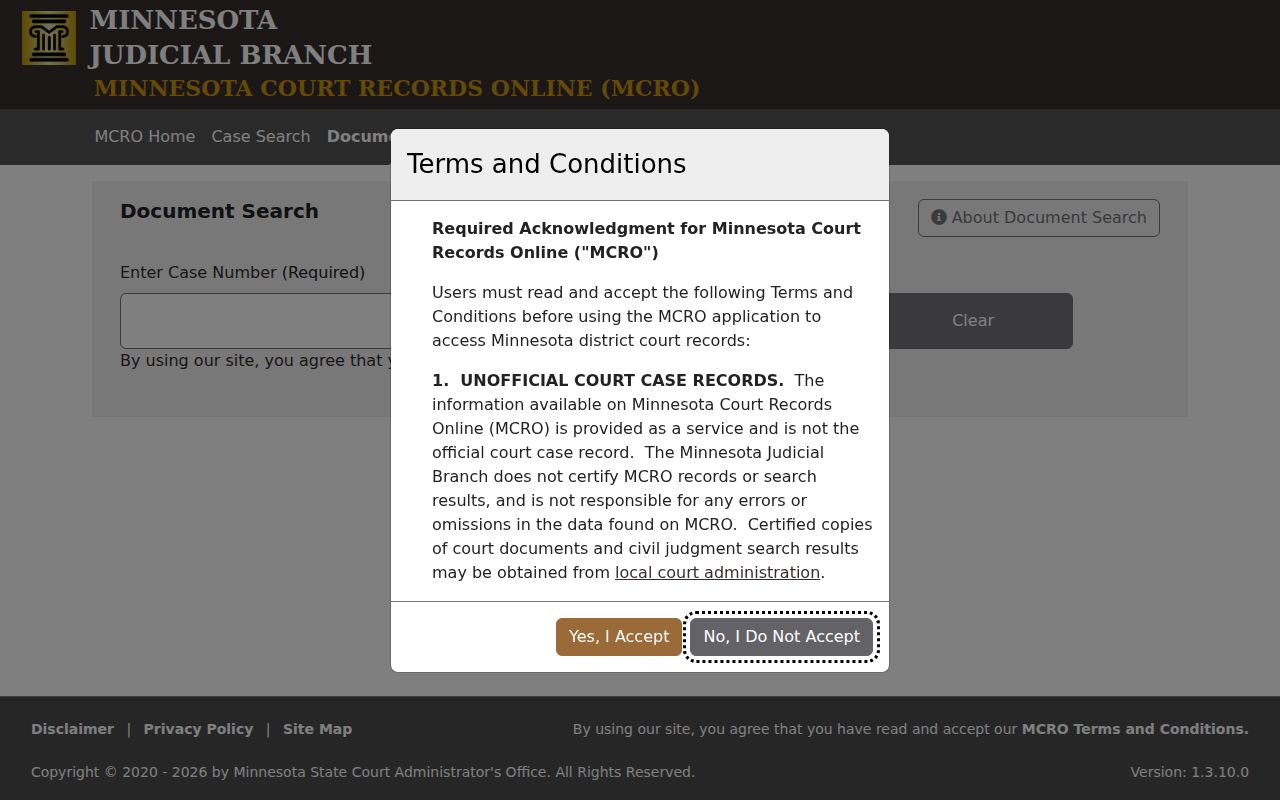
When the document route dead-ends, contact Cass County Court Administration. Staff can point you to the public terminal, a locally stored file, or a copy-request process.
Cass County Case Result Limits
MCRO can return up to 200 results with newest-first or oldest-first sorting. A big result set is your cue to narrow things. Add Cass County as the location. Also add a filed-date range, a case category, or a fuller name. The interface also separates person and business searches. Treat the output as a way to identify a record. It is never the final answer. Several files can share similar titles or names. Print only when you want a dated snapshot for your files. For an active matter, note the date you accessed it. Verify the file number and court location in the case details. A later calendar event can change the procedural picture. A Register of Actions entry can too.
What a Case Search Shows
A Cass County result can open into case details. It also opens the Register of Actions, which is MCRO's chronological case-history view. The detail area varies. It can include the overview, Case Information, party roles, attorneys, related cases, hearings, events, dispositions, financial information, and judgments where public. Each event-linked filing carries a document index number. Just because an event appears does not mean a document link is public or available.
| Case number | The court-assigned identifier used to verify the file and retrieve documents. |
|---|---|
| Case Information | Case category, type, venue, filed date, status, and related identifying fields. |
| Parties and roles | The role shown in the record, such as plaintiff, petitioner, defendant, respondent, or judgment debtor. |
| Case Events | Register of Actions entries with event name, description, index number, and an available document link. |
| Hearings | Past or future settings; compare a current setting with the Cass calendar and notice. |
| Disposition or judgment | The result layer where public, separate from a scheduled hearing or initial filing. |
Cass County Judgment Search Route
Judgment Search runs separately from general Case Search. Enter the judgment debtor's person or business name, Sounds Like, name fields, docketed date exact or range, judgment status, and county location. The results return judgment details and satisfactions where available. The full judgment-status menu is not reproduced here. So use the official form rather than a copied menu. MCRO Judgment Search is the official statewide layer for a Cass County-filtered judgment query.
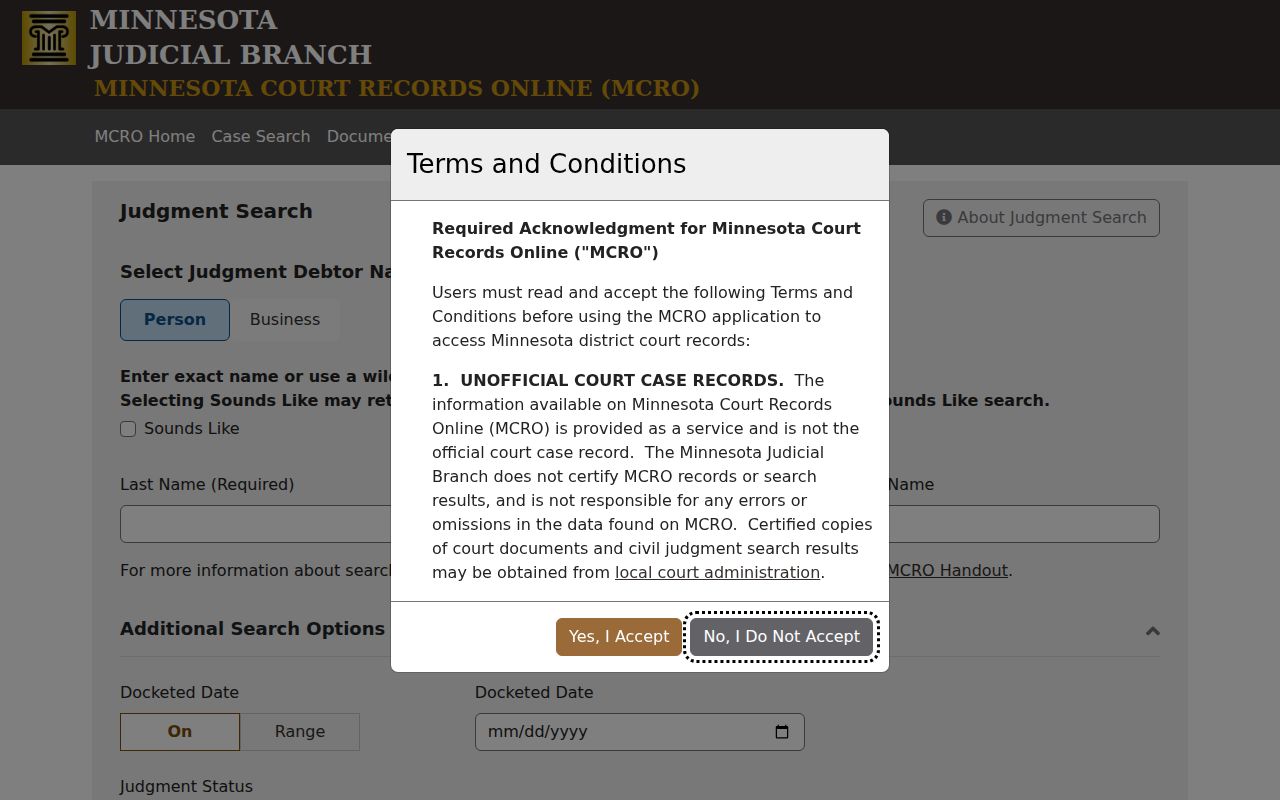
A docketed money judgment view does not replace the case history. In turn, the case history alone does not establish whether a separate judgment has been satisfied.
Cass County Hearing Search Route
When the target is a single setting rather than a whole case, MCRO Hearing Search is the focused tool. It is the Cass County route for hearings. Search by name, case number, judicial officer, or attorney. Hearing dates can be exact or a range. Case categories and statewide or county location choices are also offered. Results display hearing type and date, each with a link to case details. The Cass daily calendar is a companion posted schedule. It is not a replacement for the searchable hearing form. Compare any hearing result with the current notice and the most recent calendar. A public calendar can omit a confidential or nonremote setting. And a hearing row does not prove the hearing occurred. When the sources conflict, Court Administration is the local confirmation channel.
County vs Statewide Case Search
Cass County offers no separate county case-search database. MCRO supplies both levels in one system. Use Statewide when the county is uncertain. Or choose Cass when the court location is known. The local route complements MCRO rather than competing with it. Cass County Court Administration holds the local paper files. It also gives access to the county courthouse terminal.
| Route | Coverage | Best use | Fallback |
|---|---|---|---|
| MCRO with Cass filter | Public statewide database narrowed to Cass | A known Cass case, name, citation, or number | Hearing, Document, or Judgment Search. |
| MCRO Statewide | Public records across participating Minnesota locations | County uncertain or a possible related venue | Confirm venue in Case Information. |
| Cass public terminal | Most complete electronic district-court access | A remote case or document is missing | Ask the counter about a local paper file. |
| Cass Court Administration | Local district-court records and copy routing | Older, paper, certified, or restricted record questions | Statewide copy form or letter when directed. |
Cass County Case Search Fallbacks
No result? Repeat the number without spaces, then repeat a name with and without a middle name or punctuation. When the target is a hearing, filing, or money judgment, use the appropriate separate search. A current Cass calendar can confirm a setting. The public terminal is the more complete electronic district-court channel, and Court Administration can check for locally stored paper or older material. The official Cass County court page provides the courthouse route, while Cass County Court Administration handles local case categories and record routing. For an appeal, use the Minnesota Court of Appeals or Minnesota Supreme Court record system rather than treating the appellate file as part of the Cass trial-court case number. Note: A no-result name search does not prove that no Cass County case exists, particularly for specified pending nonconvicted criminal, traffic, or petty-misdemeanor matters.
Cass County Remote Document Coverage
MCRO's broad document coverage generally includes many public major and minor civil, conciliation, criminal, and specified probate matters. These are cases filed on or after July 1, 2015. Additional public judgments, orders, opinions, and court notices reach remotely public cases. Those run from July 1, 2005 through June 30, 2015. Neither a category nor a date range overrides Rule 8. The actual case record controls what is visible. Family participant-submitted documents have narrower remote access. Several juvenile, commitment, protection, and sealed matters carry important exclusions. When a document is not shown remotely, the Cass courthouse terminal is the next channel. Court Administration is the one after that.
Restricted Cases and Access Rules
Rule 8 separates original-record access from remote access. Public registers, calendars, indexes, judgment dockets, and selected court-generated documents can be available remotely. Family participant-submitted documents and several other categories have narrower access. Juvenile, adoption, sealed, confidential, commitment, domestic-abuse, and certain protection matters require special care. A court record can be public for courthouse inspection. Yet that same record may stay out of a remote MCRO view. Trying repeated name variations will not open a restricted result. Identify the case number and exact document. Then ask Cass County Court Administration which Rule 8, confidential-record, sealed-record, or adoption procedure applies. Minnesota Government Data Practices Act procedures govern county administrative data. They do not bypass Rule 8 for a judicial case record.